
What is Planning Automation?
What is Planning Automation?
Planning automation is the use of technology to streamline and automate planning processes such as budgeting, forecasting, reporting, and analysis, reducing manual effort and improving accuracy.
Planning Automation Explained
Planning automation enables organizations to replace manual, spreadsheet-driven planning processes with automated, data-driven workflows. It simplifies complex planning activities by reducing repetitive tasks, improving consistency, and accelerating decision-making.
In traditional environments, planning often involves:
- manual data collection
- spreadsheet consolidation
- version control challenges
- time-consuming updates
Planning automation addresses these challenges by using technology to:
- integrate data from multiple sources
- automate calculations and updates
- standardize workflows
- provide real-time visibility into plans and performance
This allows teams to spend less time on manual tasks and more time on analysis and decision-making.
Planning automation is applied across a range of processes, including:
Modern planning platforms such as Board enable planning automation by connecting financial and operational data, automating workflows, and supporting collaborative planning across the organization.
Planning automation is a key component of modern planning approaches such as continuous planning and xP&A, where plans need to be updated frequently and aligned across functions.
Why Planning Automation Matters
Planning automation helps organizations:
- Reduce manual effort and improve efficiency
- Eliminate errors caused by spreadsheets and manual processes
- Accelerate planning cycles
- Improve data consistency and accuracy
- Enable faster, data-driven decision-making
Without planning automation, organizations often struggle with:
- slow and inefficient planning processes
- inconsistent data across systems
- limited visibility into performance
- delayed decision-making
As planning becomes more complex and data-driven, automation is essential for maintaining speed, accuracy, and scalability.
How Planning Automation Works
Integrate Data Sources
Planning automation begins by connecting data from across the organization, including:
- financial systems
- ERP systems
- CRM systems
- supply chain and operational data
This creates a single source of truth for planning.
Automate Calculations and Updates
Processes such as:
- budget calculations
- forecast updates
- variance analysis
are automated, reducing manual effort and improving consistency.
Standardize Workflows
Planning workflows are structured and automated, ensuring that:
- tasks are completed consistently
- approvals follow defined processes
- collaboration is streamlined
Enable Real-Time Updates
Plans and forecasts are updated automatically as new data becomes available, enabling real-time visibility into performance.
Support Analysis and Decision-Making
Automation frees up time for teams to focus on:
- analyzing performance
- identifying trends
- making strategic decisions
Planning Automation vs Manual Planning
| Planning Automation | Manual Planning |
Automated workflows | Manual processes |
Real-time updates | Periodic updates |
High accuracy and consistency | Higher risk of errors |
Scalable and efficient | Time-consuming and limited |
Planning automation enables faster, more reliable planning compared to manual approaches.
Planning Automation vs Continuous Planning
| Planning Automation | Continuous Planning |
Focuses on automating processes | Focuses on updating plans continuously |
Technology-driven capability | Planning approach |
Enables efficiency and scalability | Enables agility and responsiveness |
Planning automation is a key enabler of continuous planning.
Examples in Practice
Finance Example
A finance team automates budgeting and forecasting processes, reducing cycle times and improving accuracy.
Supply Chain Example
A company automates demand and supply planning updates, ensuring that plans reflect the latest data.
Retail Example
A retailer automates inventory and sales planning processes, enabling faster response to changes in demand.
Executive Planning Example
Leadership uses automated dashboards and reports to monitor performance and make decisions in real time.
Key Benefits
- Reduced manual effort and increased efficiency
- Improved accuracy and consistency
- Faster planning cycles
- Better visibility into performance
- More time for analysis and strategic decision-making
Related Terms
FAQs
See how Board enables planning automation
Board natively embeds analytical AI, generative AI, and domain-specific AI agents that continuously interpret data, simulate scenarios, and guide confident enterprise decisions, all from a single unified planning platform for finance and operations.
Explore the Board platform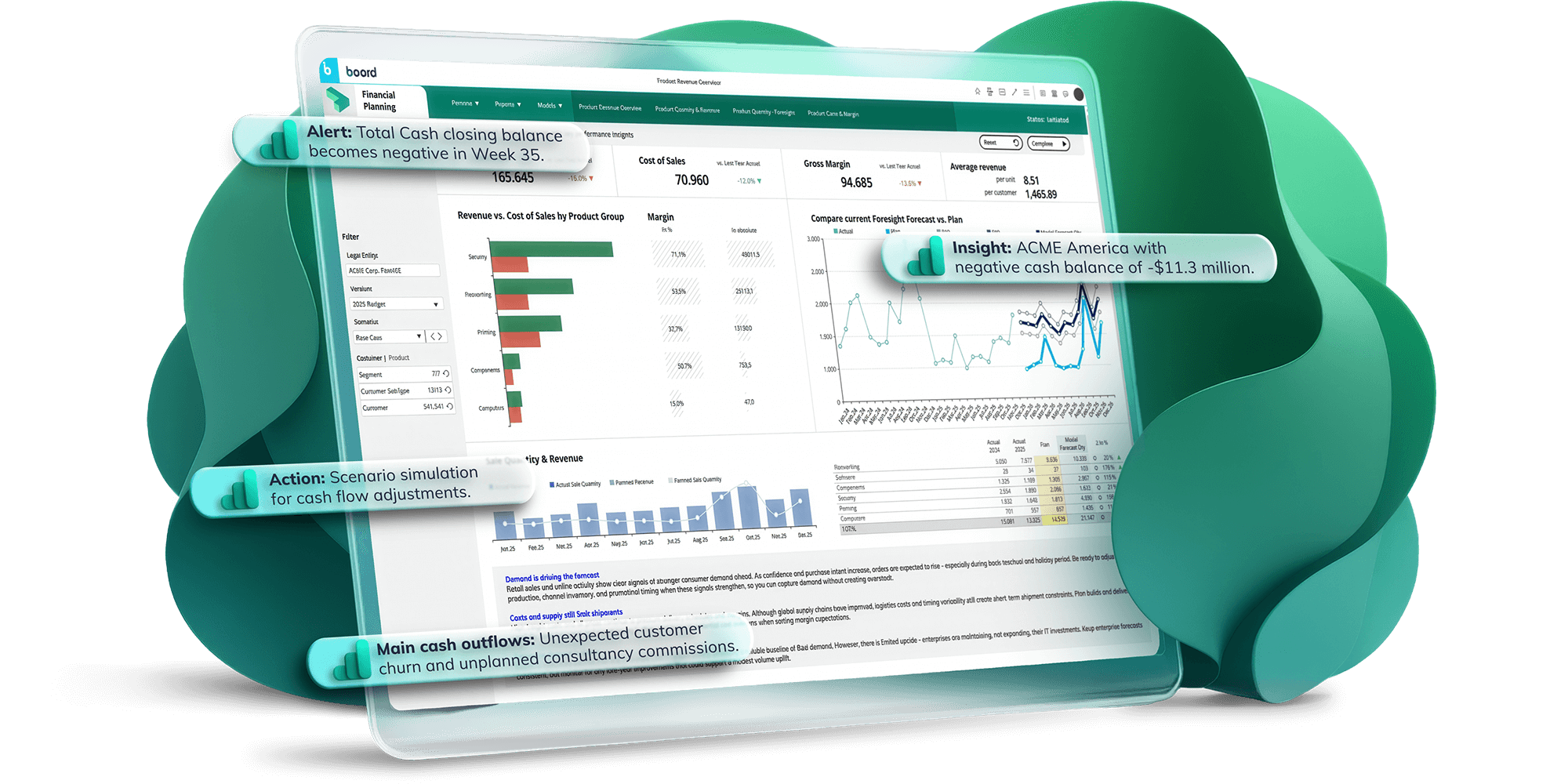

Let’s see what Board can do for you.
Get a tour of the Agentic Planning Platform in action.